CrossWeave Closed Beta
Offline research library and document organization software.
We take our software seriously. Ourselves? Not so much.
Free for Windows
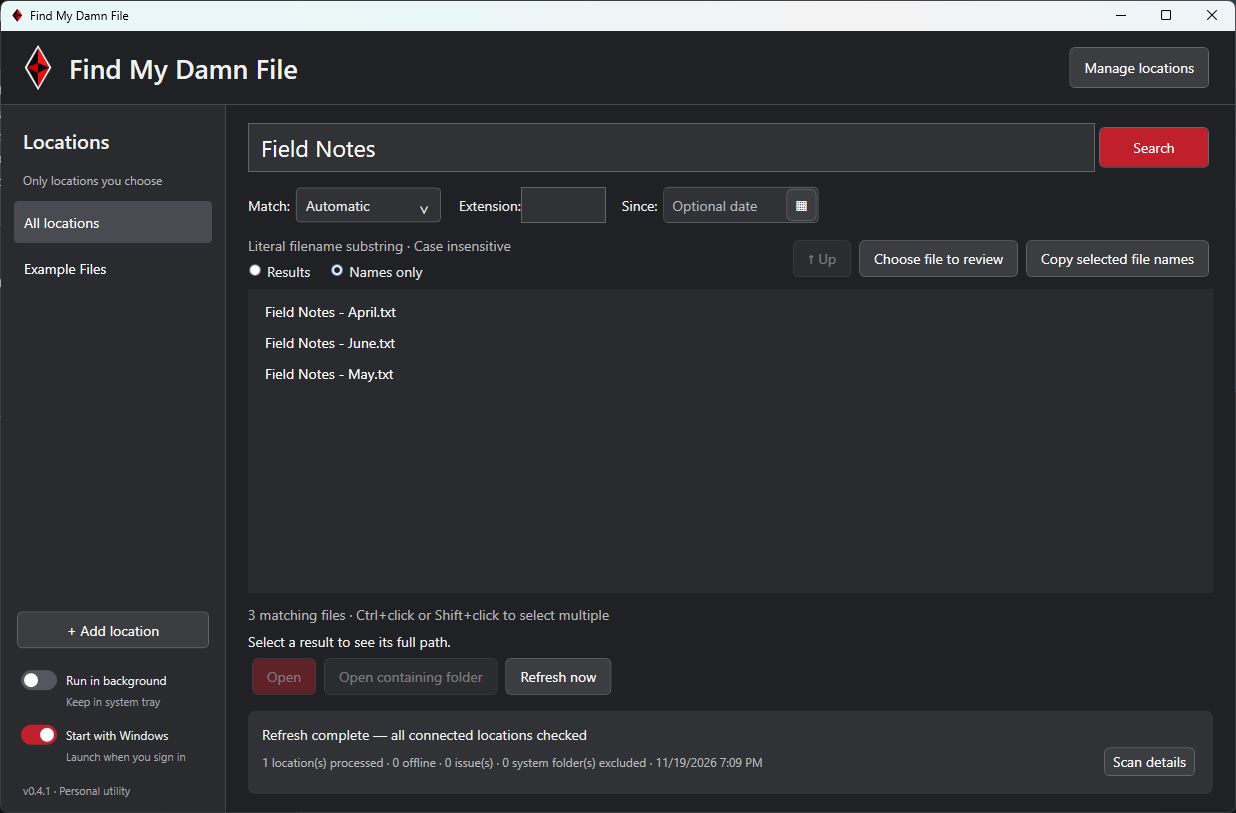
You remember it had “budget” in the name. Where you saved it is anybody’s guess. Where Are My Damn Files? is a Windows utility for finding files and folders by name across the locations you choose.
Pick the folders or drives you want to include. The app scans them to build a local catalog of file and folder names. After that first scan, searches look up matches in the catalog, so results can come back almost instantly without walking through every folder again. Refresh the catalog when you’ve added, moved, or renamed files.
Type as much of the name as you remember, or choose an exact filename match. If you get too many hits, narrow them by location, extension, or modified date. Open the file directly or jump to its folder in File Explorer. It’s a shortcut to where your stuff lives, especially when you save things across several folders or drives.
Select the files or folders you want, then click Copy selected file names. The app copies just the selected names to your clipboard, one per line. Paste them straight into a document, spreadsheet, or email without bringing along full paths or retyping every name.
For example, search for “Field Notes,” select the entries you’re handing off, and paste the resulting list into your project notes. It’s a quick way to document what you found or make a checklist of what still needs review.
The catalog stays on your PC. The app searches names and leaves the contents of your files alone.
Version 1.0.0 · Windows 11 (64-bit) · 69 MiB. The installer includes the required .NET runtime.
This installer is unsigned. Windows may display an unrecognized-publisher warning.
Working software. A little polish still in progress. Actual development screenshots, with demonstration content where shown. Interfaces may change before release.
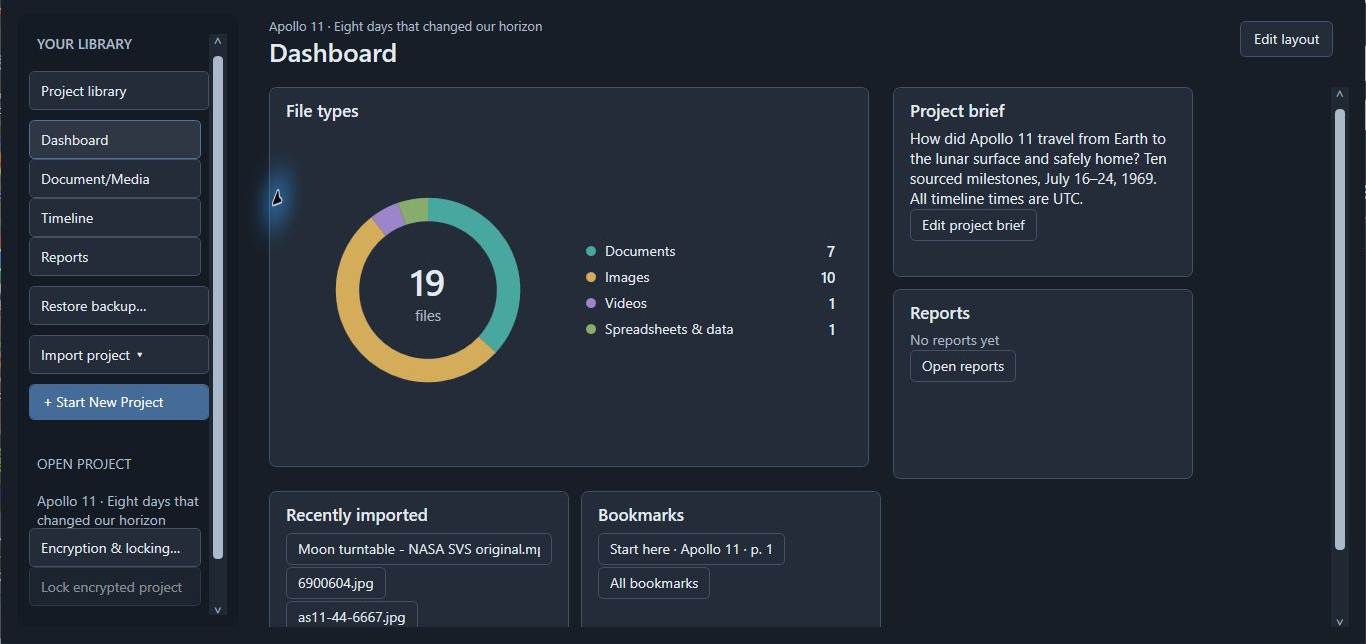
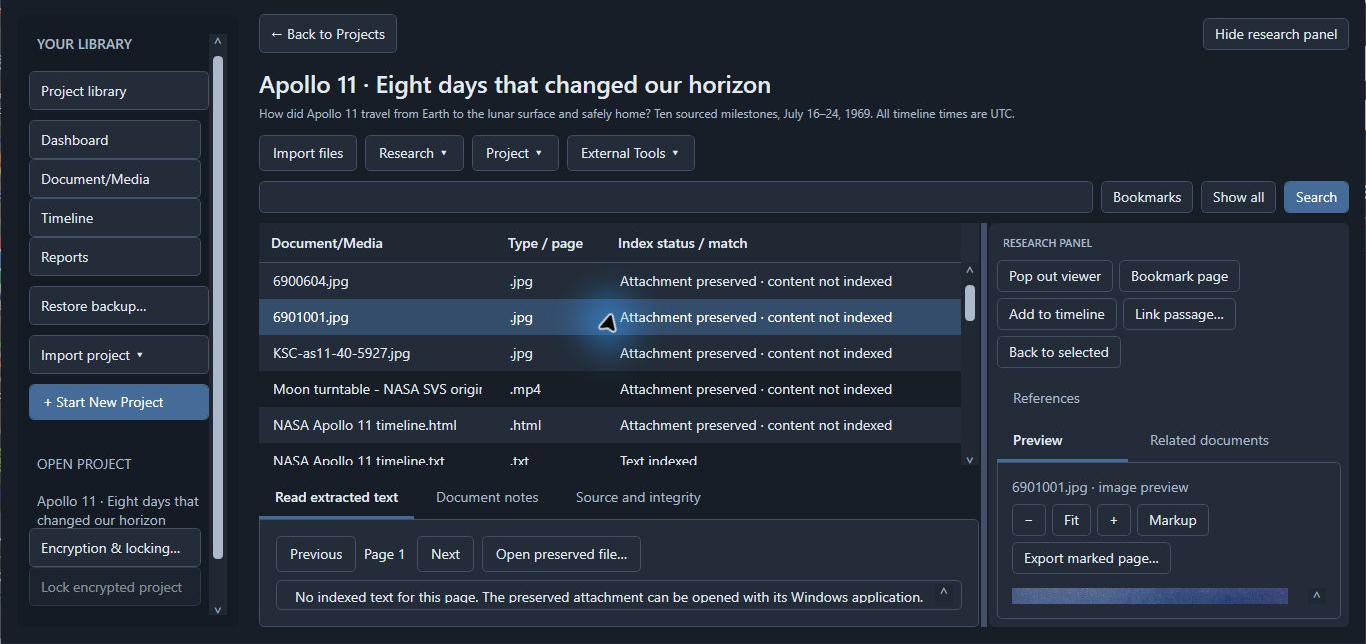
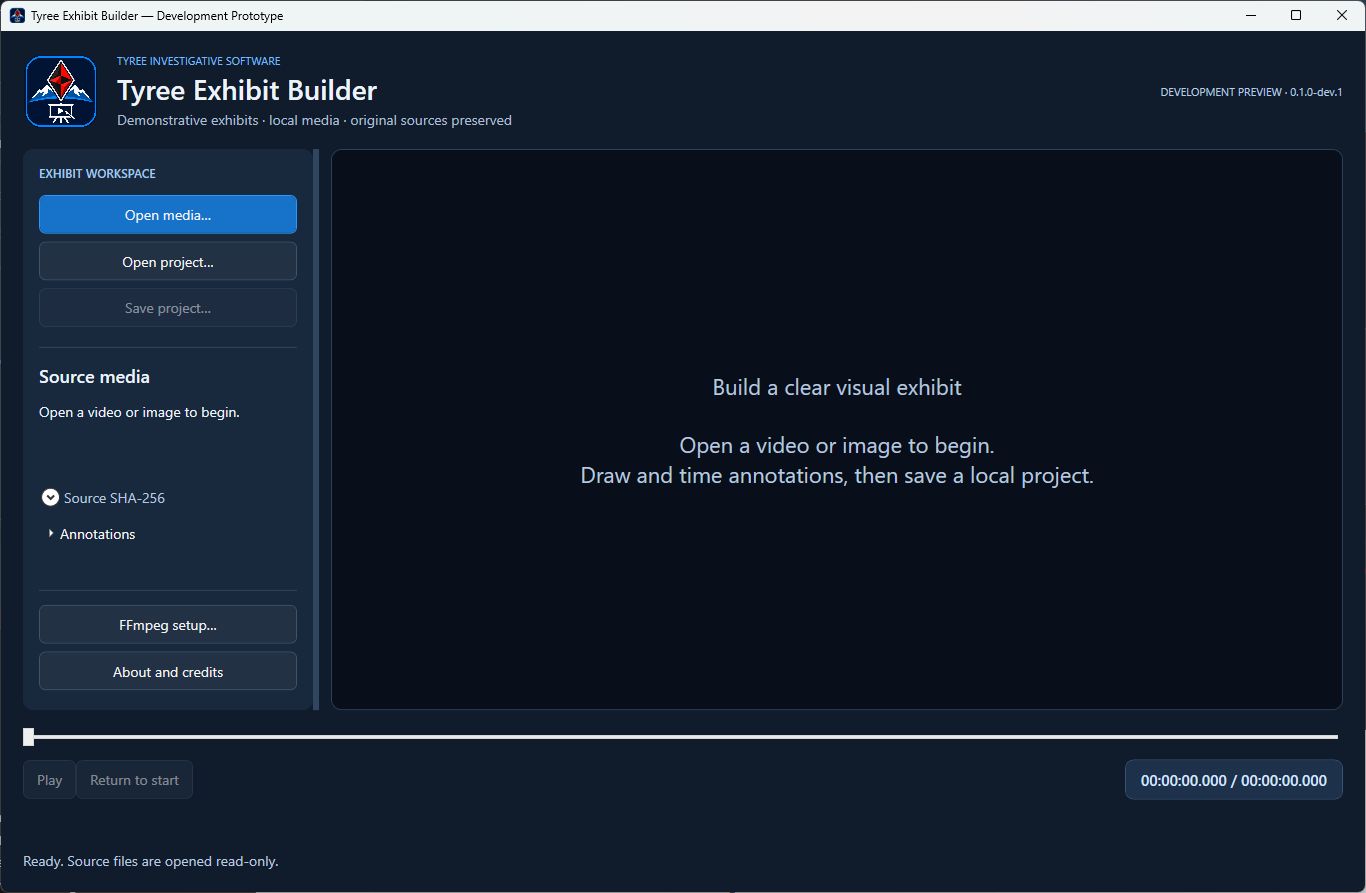
CrossWeave and Tyree tools are in closed beta testing. Screenshots show development interfaces, not validation results or a public release.
Offline research library and document organization software.
Modular multimedia forensic utilities.
Because apparently we don't know when to stop having ideas.
A privacy-focused research browser in development, designed to support web research, source capture, and local research organization.
An investigative edition of CrossWeave currently in development, designed to connect research, case information, and Tyree forensic tools. Follow the connections without losing the paperwork—or your last remaining nerve.
A planned e-discovery and legal-documentation platform for budget-conscious law offices and solo practitioners. Organize the documents, manage the discovery, and save the dramatic objections for court.
3D Investigative Timeline Studio — in development within CrossWeave; not yet available as a standalone application.
Build immersive, evidence-linked timelines. Connect events, visualize parallel threads, and bring complex investigations into focus.
We will try not to make it wibbly or wobbly.
RabbitHole Browser and ChronoForge are in development. CrossWeave Investigative is in development. CrossWeave Discovery is in planning. No release dates announced.